
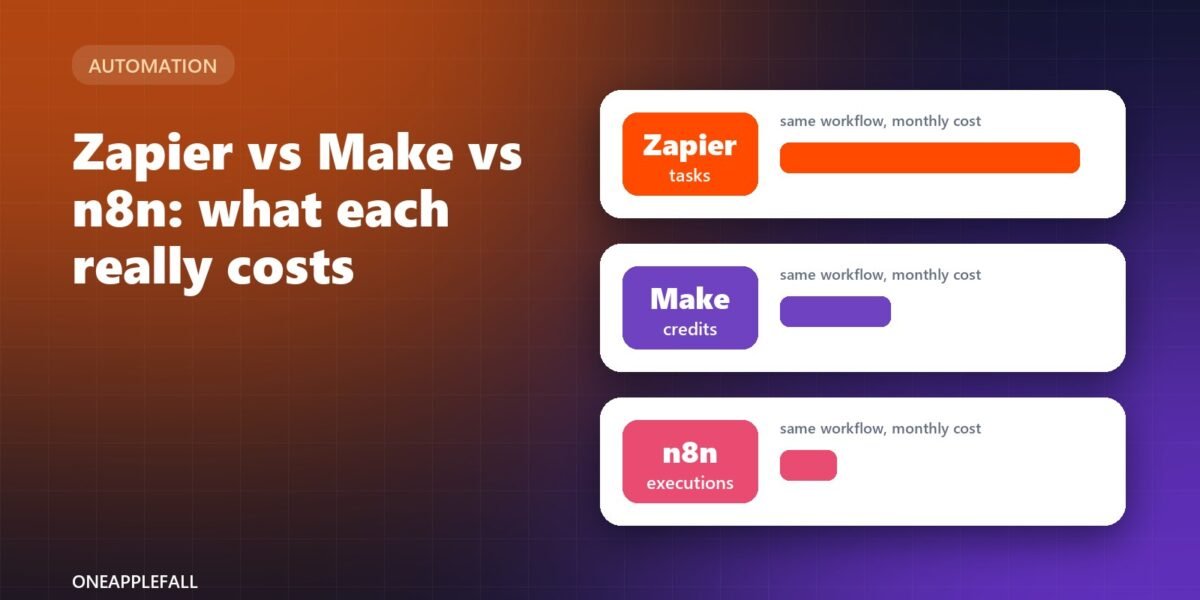
Illustration by OneAppleFall. Not an official logo or product screenshot.
Researched October 23, 2026
Zapier, Make and n8n all connect your apps and automate repetitive work, and in 2026 all three added AI agents. The biggest difference between them is not features but how they charge: Zapier counts tasks, Make counts credits, and n8n counts executions. [1][2][4] The same workflow can cost very different amounts depending on which unit you pay in.
Quick answer: Zapier is the easiest to start with and has the most app connections, but it gets expensive as volume grows. Make usually gives the most automation per dollar for small and mid-size teams. n8n charges per whole workflow run and can be self-hosted for free for internal use, which makes it the cheapest at high volume, but it needs more technical skill. [1][2][4][5]
This is a researched comparison based on each company’s published pricing and documentation, checked October 23, 2026. The cost example uses our own assumptions; your workflows will differ. We have not benchmarked these tools.
How each tool charges
| Zapier | Make | n8n | |
|---|---|---|---|
| Billing unit | Task: each action step that completes successfully [1] | Credit: most module actions use 1 credit [2] | Execution: one run of a whole workflow, however many steps [4] |
| What doesn’t count | Triggers, filters, formatters, paths and other built-in tools [1] | Router and error-handler modules [2] | Steps inside a run (only the run counts) [4] |
| Free plan | 100 tasks a month [1] | 1,000 credits a month [2] | Free self-hosted Community Edition [4] |
| Entry paid plan | Professional: $19.99/month billed annually, or $29.99 monthly, for 750 tasks [1] | Core: from about $9 to $12 a month billed annually for 10,000 credits (reported prices vary) [2][3] | Starter: €20/month billed annually for 2,500 executions on n8n Cloud [4] |
| Going over the limit | Pay-per-task at 1.25× (annual) or 2.5× (monthly) the base rate, if enabled [1] | Extra credits can be bought automatically [2] | Workflows keep running; overage charges apply on larger plans [4] |
Make’s own pricing page did not show its full price table when we checked, and third-party reports differ (about $9 versus $12 a month for Core billed annually), so confirm the current price on make.com before you budget. [2][3]
The same workflow on all three: a worked example
Imagine one workflow with a trigger and nine action steps (for example: new form entry, look up the customer, update a spreadsheet, send two emails, post to Slack, and so on), running 1,000 times a month.
| How it’s counted | Monthly usage | Plan that fits | Approximate cost | |
|---|---|---|---|---|
| Zapier | 9 tasks per run (the trigger is free) [1] | 9,000 tasks | Professional, 10,000-task tier | $129/month billed annually, or $193.50 monthly [1] |
| Make | About 10 credits per run (trigger plus actions) [2] | About 10,000 credits | Core (10,000 credits) | About $9 to $12/month billed annually [2][3] |
| n8n Cloud | 1 execution per run [4] | 1,000 executions | Starter (2,500 executions) | €20/month billed annually [4] |
| n8n self-hosted | 1 execution per run | 1,000 executions | Community Edition | Free licence, plus your server costs [4][5] |
The gap widens as workflows get longer: adding steps raises the Zapier and Make bill, but not n8n’s. Two caveats: Zapier’s AI steps and some actions cost more than one task each, and Make’s AI features can use extra credits, so AI-heavy workflows cost more on both. [1][2]
AI agents on each platform
| Zapier | Make | n8n | |
|---|---|---|---|
| AI agents | Zapier Agents, on every plan [1] | AI agents module [2] | AI Agent node, plus agents in preview [4] |
| How AI is billed | Agents use separate “activities”: 400 a month on Free and 1,500 on Pro; each run is capped at 40 activities on paid plans [1] | Some AI features use extra credits [2] | AI assistant credits on Cloud plans; on self-hosted you bring your own API key [4] |
| MCP support | Zapier MCP (each tool call counts as 2 tasks) [1] | Not covered here | MCP Server Trigger and MCP Client nodes [4] |
| Human approval | Agents ask before continuing past the run cap [1] | Not covered here | Human approval for tool calls [4] |
If you plan to build AI agents that call your own models, n8n’s bring-your-own-key approach on self-hosted servers keeps AI costs separate from the automation bill. [4] For a step-by-step look at connecting AI tools this way, see our guide to setting up an MCP server.
Self-hosting n8n: what the licence allows
n8n’s Community Edition is free to self-host, but it is not open source in the traditional sense. It uses n8n’s Sustainable Use License, which says you may use or modify the software “only for your own internal business purposes or for non-commercial or personal use.” [5] Running it inside your own company is fine; reselling it as a hosted service to others is not. Paid Business and Enterprise features need a licence key that checks in with n8n’s server daily. [4]
Which one should you choose?
| Choose | If you… |
|---|---|
| Zapier | are non-technical, need a specific app it supports, or want automations working today with minimal setup. Budget for growth if your volume rises. |
| Make | want visual, multi-step scenarios with branching at a low monthly price, and don’t mind a slightly steeper learning curve. |
| n8n | have someone technical, run long or high-volume workflows, want to self-host for data control, or are building AI agents. |
One practical approach: prototype in the tool you find easiest, then move the high-volume workflows to whichever charges least for that workflow’s shape.
Before you commit: a checklist
- Count your steps. Map one real workflow and count its action steps.
- Estimate monthly runs from your actual volume (orders, leads, form entries).
- Price it in all three units using the table above.
- Check the apps you need are supported natively, or reachable through webhooks or an API.
- Decide where your data may live: a vendor’s cloud or your own server.
- Test the free plan on one workflow before migrating everything.
Questions
Is n8n really free?
The self-hosted Community Edition has no licence fee for internal business or personal use, but you pay for the server it runs on and maintain it yourself. n8n Cloud starts at €20 a month billed annually. [4][5]
Why is Zapier more expensive?
Zapier bills every successful action step as a task, so long workflows use many tasks per run. In exchange it offers the largest set of ready-made app connections and the simplest setup. [1]
What counts as a credit in Make?
Most module actions use one credit, including reading, searching, creating and updating data. Router and error-handler modules don’t. [2]
Which is best for AI agents?
All three now have agents. n8n gives technical teams the most control, including self-hosting with their own API keys; Zapier Agents are the easiest to set up. [1][4]
Can I move from Zapier to n8n or Make?
There is no one-click migration between them; you rebuild each workflow. Start with the workflows that use the most tasks, since those save the most. See our older guide to automating repetitive tasks with Zapier and our n8n Google Trends tutorial for examples.
