Bring old black-and-white photos to life. The AI adds natural colour to family portraits, wedding pictures and old street scenes, right in your browser. Your photos are never uploaded.
Colorize a photo now →- Free
- Runs on your device
- No sign-up
Lower it for a soft, vintage look; raise it for richer colour.
See the difference
Real results from this tool. Drag the slider to compare.
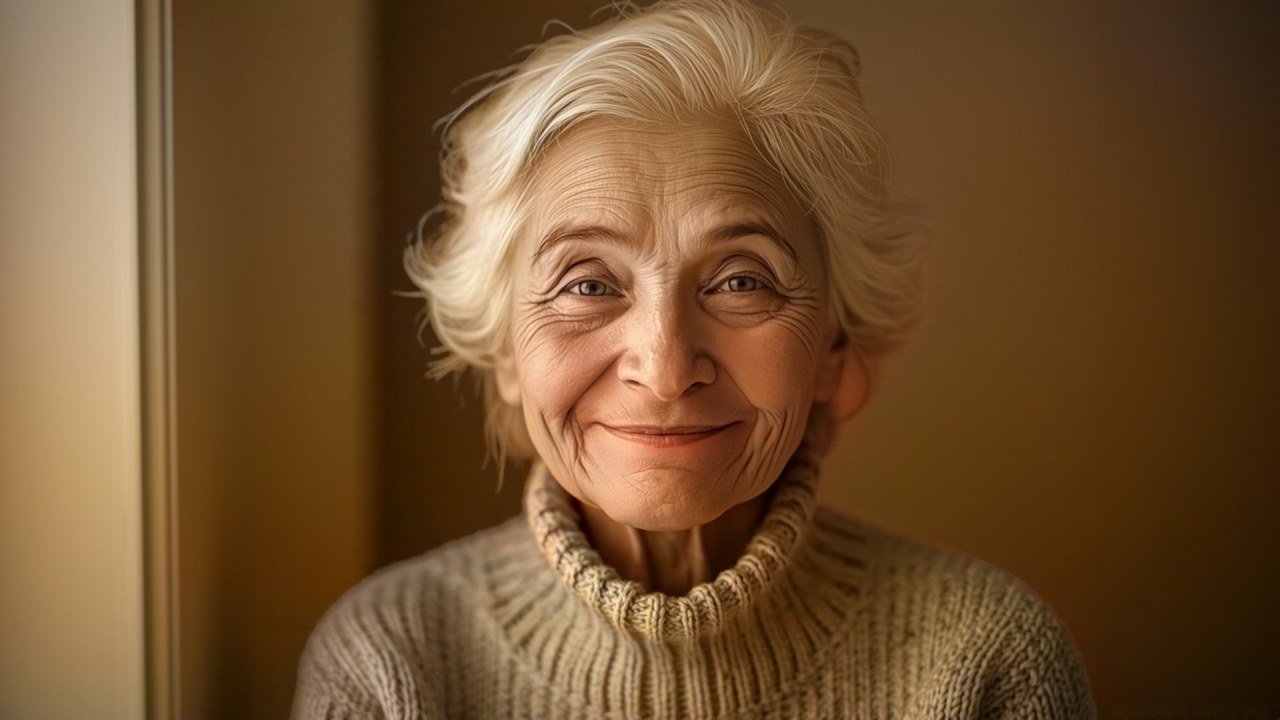
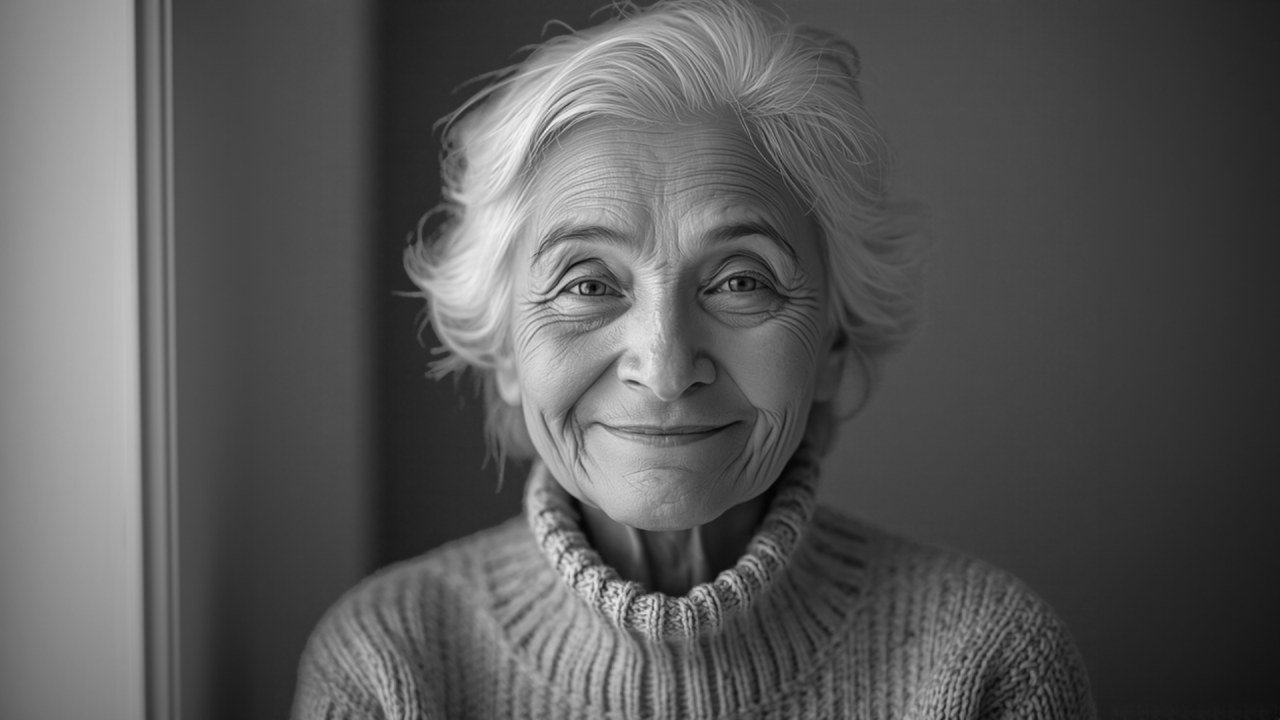 Black & whiteAI colour
Skin, hair and the knitted sweater get natural tones.
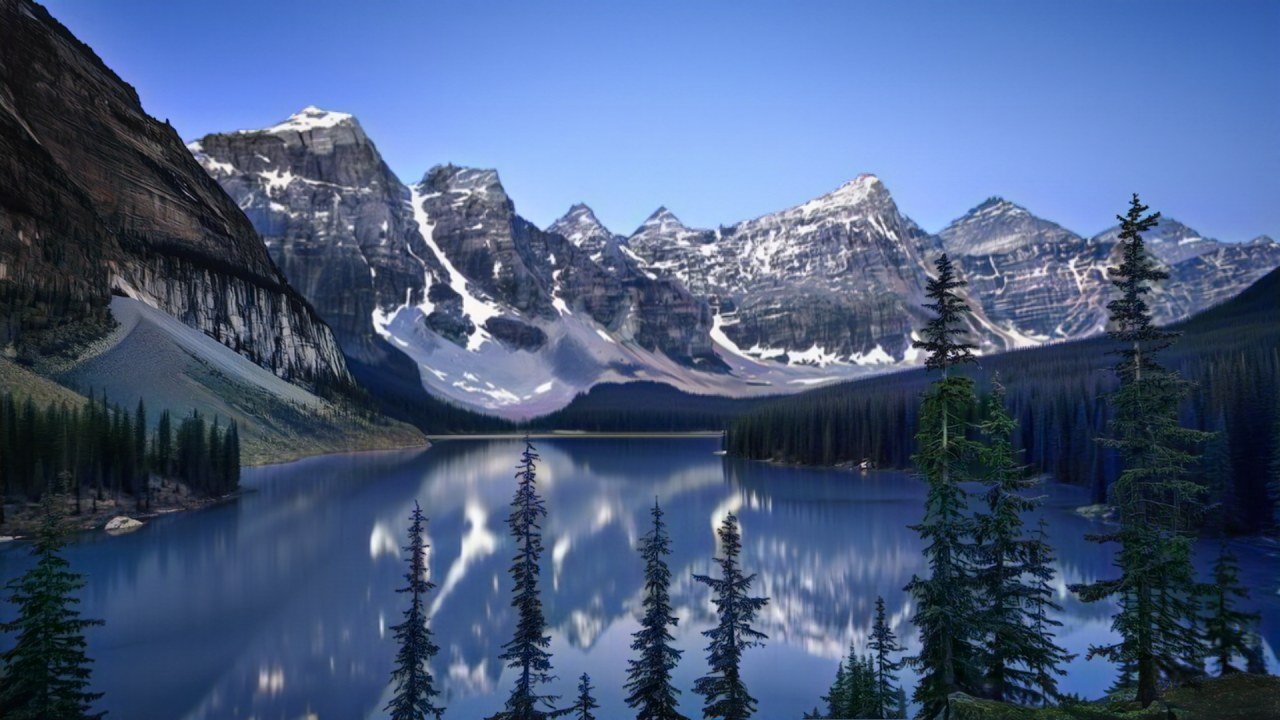
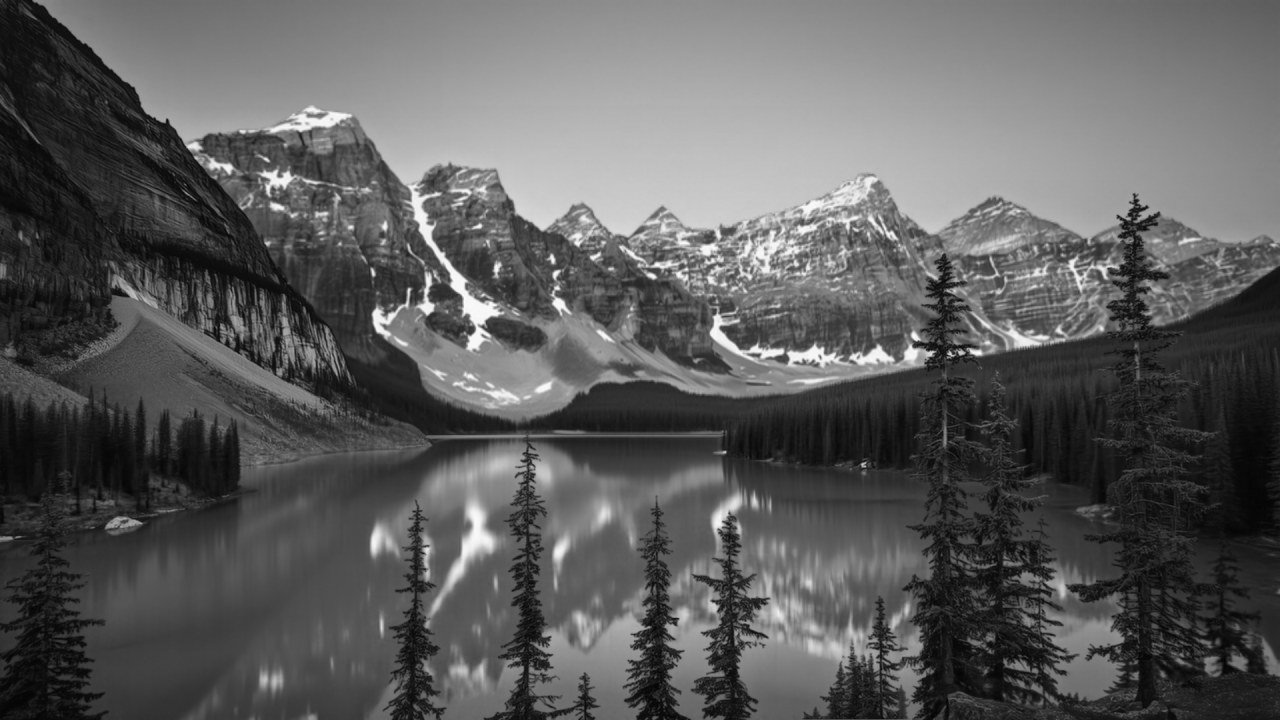 Black & whiteAI colour
Sky, water, rock and trees are coloured separately.
The demo pictures are AI-made colour images (Canva AI) that we turned black-and-white and then re-coloured with this tool. The AI chooses believable colours, not the original ones.
How to colorize a black and white photo
Three steps, no account.
Add your photo
Drop a scan or a phone picture of the old photo, click to choose it, or paste it with Ctrl+V.
Press Colorize photo
The AI studies the picture and adds colour. The first run downloads the model once.
Compare and download
Drag the slider to compare, adjust the colour strength, then download a JPG or PNG.
Why use this photo colorizer
Old family photos are personal. This tool never sends them anywhere.
Private by design
Photos are colorized on your device. There is nothing to delete from a server afterwards.
Free and unlimited
No credits, no daily cap, no sign-up and no watermark.
Keeps full sharpness
Only colour is added. The detail of your original photo stays exactly as it is, up to 3,000 pixels.
Compare instantly
A before/after slider shows what changed.
Adjust the colour
Soft vintage tint or rich colour: set the strength you like.
JPG or PNG
Download a small JPG to share or a PNG for printing and editing.
Tips for better results
Small things that make a visible difference.
| Tip | Why it helps |
|---|---|
| Scan prints at 300 DPI or more | The AI sees faces and objects more clearly |
| Photograph prints in even daylight, without flash | Glare and shadows are treated as part of the picture |
| Crop away borders and album pages | The AI spends its attention on the photo itself |
| Lower the colour strength for very old photos | A soft tint often looks more natural than full colour |
| Upscale small photos after colorizing | Use the AI Image Upscaler for prints and frames |
Frequently asked questions
Is this photo colorizer free?
Yes. There are no credits, no sign-up and no watermark, and you can colorize as many photos as you like. The page is supported by ads.
Are my family photos uploaded?
No. The AI model is downloaded to your browser once and your photos are colorized on your own device. Nothing is sent to a server.
Are the colours the real colours?
No. A black-and-white photo does not record colour, so the AI predicts believable colours from what it sees: skin, sky, grass, wood and so on. Clothes, cars and walls may get a different colour than they really had.
Does it change the sharpness of my photo?
No. The tool keeps the light and dark detail of your original photo at full size and only adds colour to it.
Why does the first photo take longer?
The colour model (135 MB) is downloaded the first time and saved by your browser. After that, a photo takes roughly 10 to 30 seconds on a computer and longer on phones.
Can it fix scratches, tears or blur?
No, it only adds colour. For small or soft photos, run the result through our AI Image Upscaler afterwards.
What photos work best?
Clear, well-exposed photos of people, landscapes, streets and buildings. Very dark, faded or heavily damaged photos get weaker colour. Scan prints at 300 DPI or more if you can.
The colours look too strong or too weak. What can I do?
Move the Colour strength slider. Around 70% gives a soft, hand-tinted look; above 120% gives richer colour.
Can I colorize a colour photo?
Yes. The tool ignores the existing colour and re-colours the photo from scratch, which can be a fun way to see what the AI guesses.
More free AI tools
All of them run in your browser, with no sign-up.